Brand / Website / Product design
FoneStream
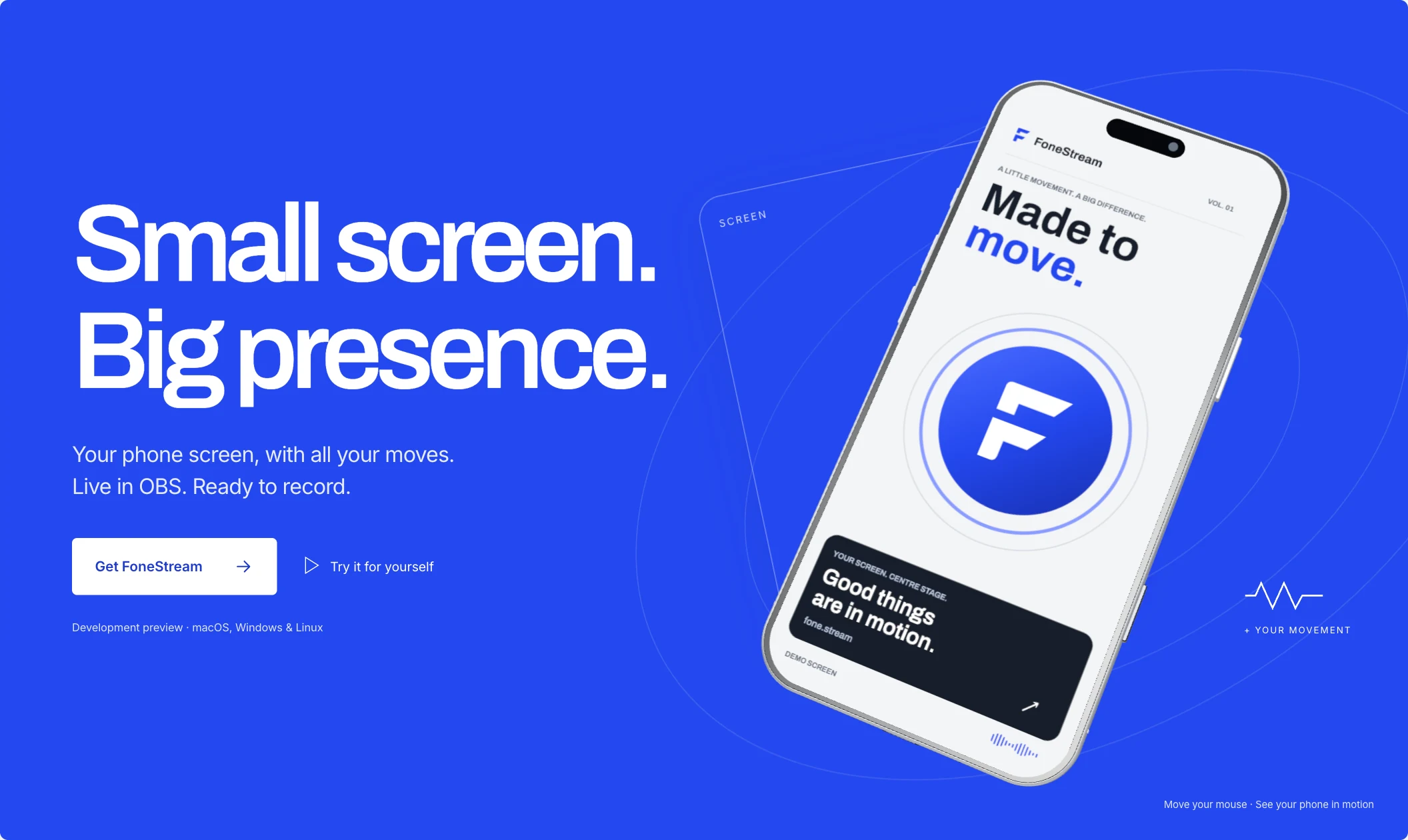
A flat phone screen.
A whole new presence.
01 / The idea
Give the screen
a body.
FoneStream turns a flat phone screen into an expressive, motion-responsive 3D presence for streams, presentations, and recordings.
The website makes that idea visible first. Oversized type holds one side of a cobalt stage; a silver phone occupies the other. Fine orbital lines and offset frames separate the layers. A gentle response to the pointer lets the composition feel dimensional before the demo begins.
02 / The main interaction
Take it out
of the frame.
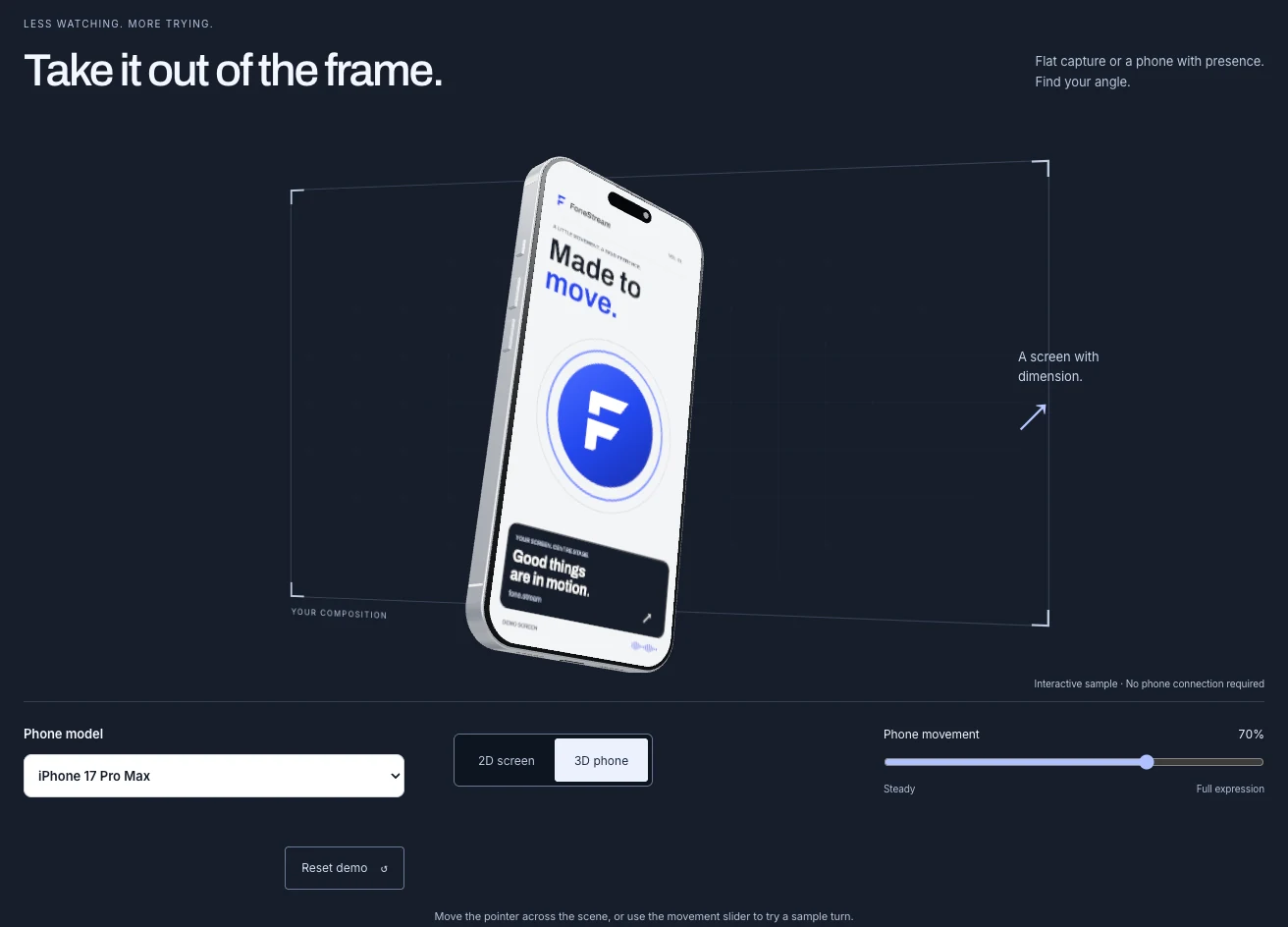
Start with something familiar: a flat capture. As the visitor scrolls through the website’s demo, the screen gains a device frame and turns into a dimensional composition.
Manual 2D and 3D controls let the visitor take over. The change stays understandable because the screen artwork remains the same.
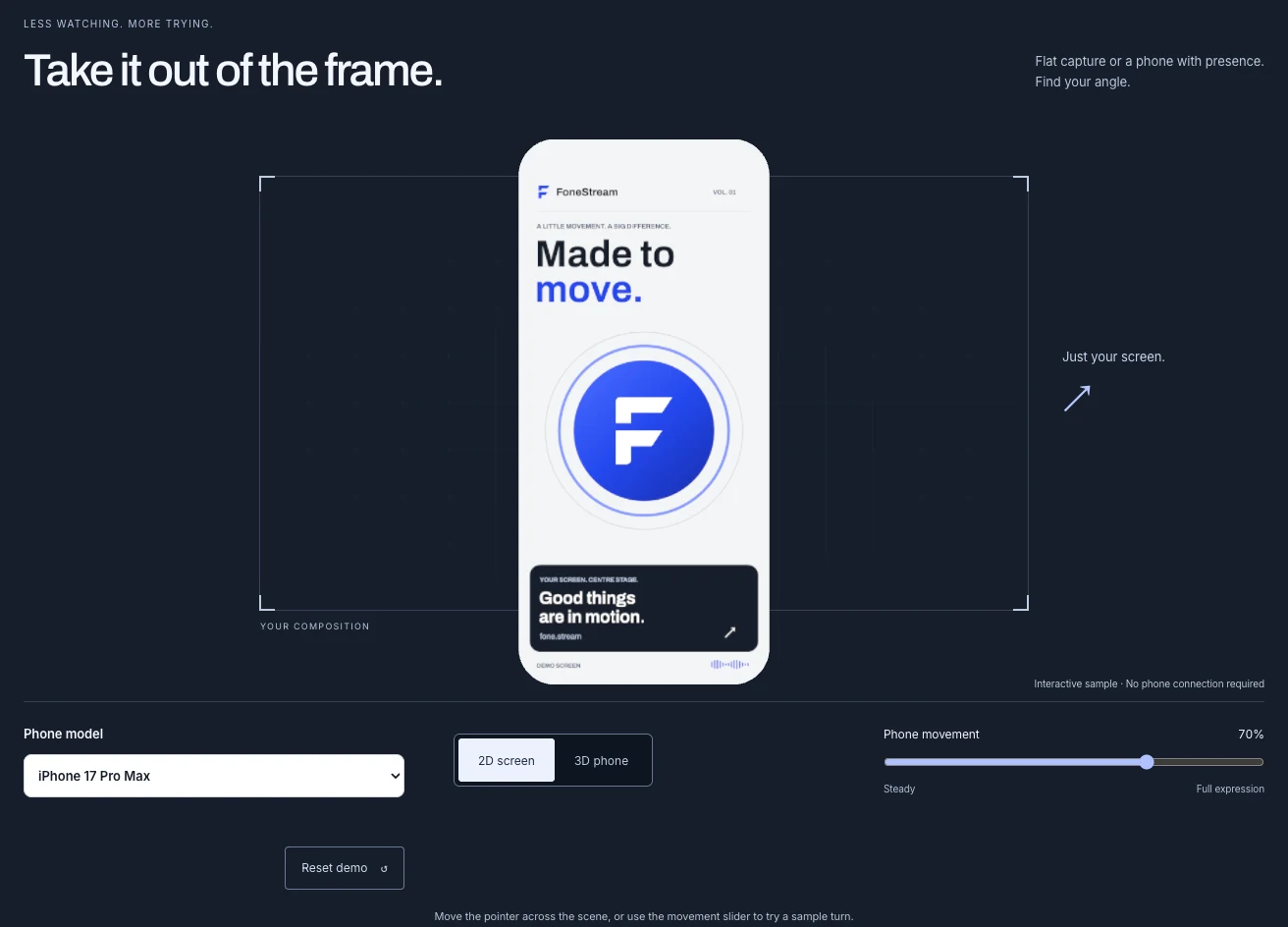
Compare the flat and dimensional stills
03 / One understandable control
How much
of you?
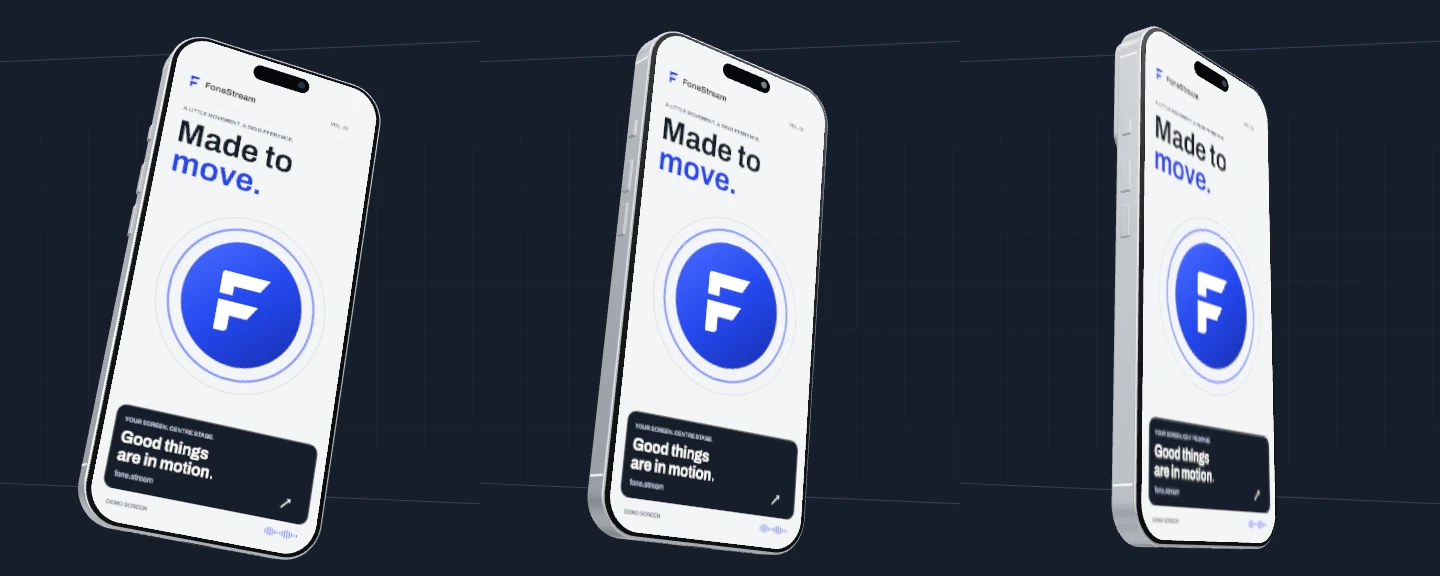
“Phone movement” spans a steady presentation through to full expression. At 0%, the pose holds. At 50%, the same turn is more restrained. At 100%, the demo uses its full range.
The comparison below repeats one simulated pointer path at all three settings, in sync. It demonstrates the control’s effect, not measured hardware motion or latency.
04 / Across the experience
One product.
Three surfaces.
Cobalt signals action. Silver gives controls room to breathe. Graphite puts the composition in focus. The bold typography carries the voice from the marketing website into the workspace and phone companion.
The website and desktop use the same renderer and branded sample screen. On mobile, that visual language becomes a focused pairing flow, with sharing waiting for the person’s approval.
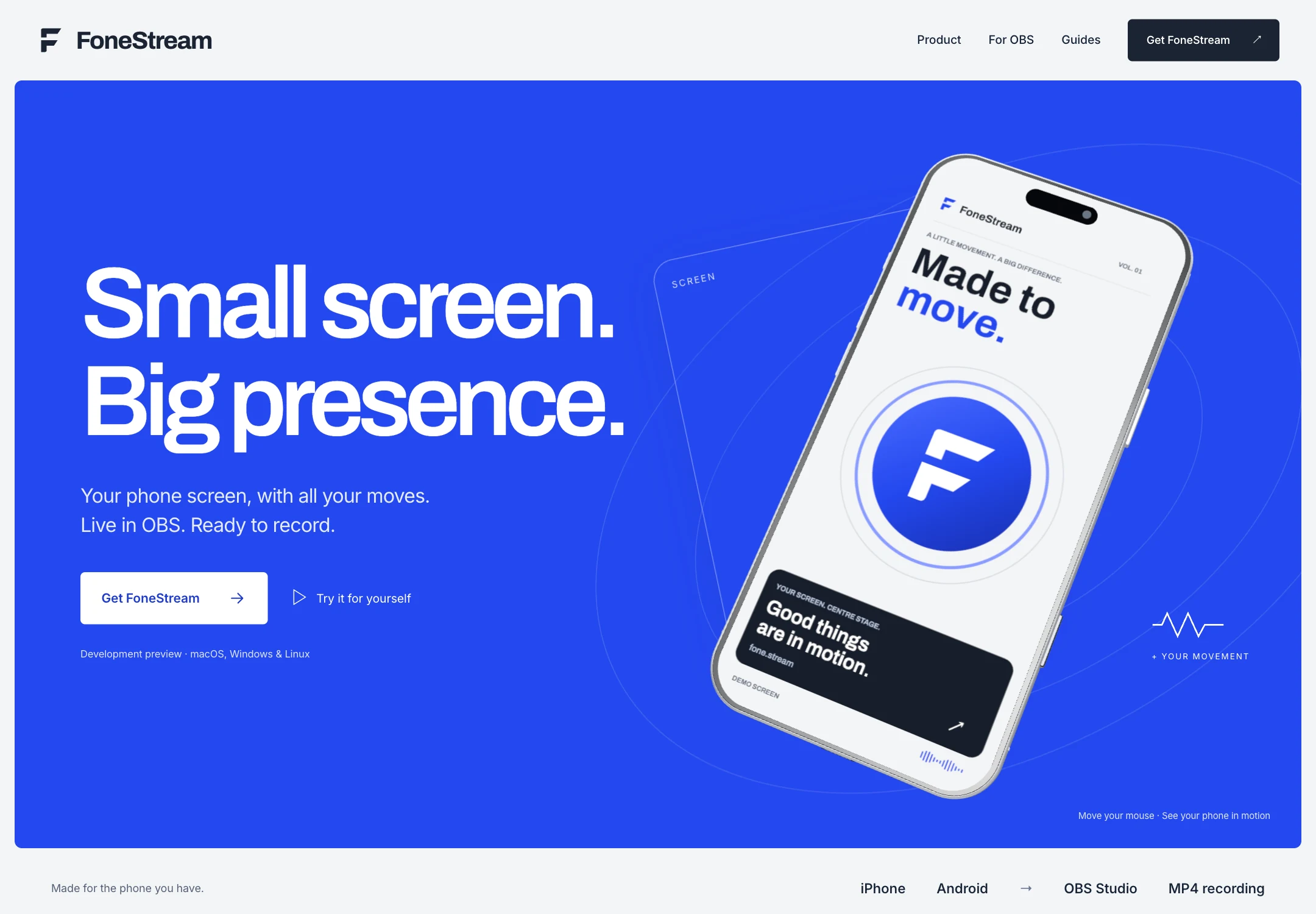
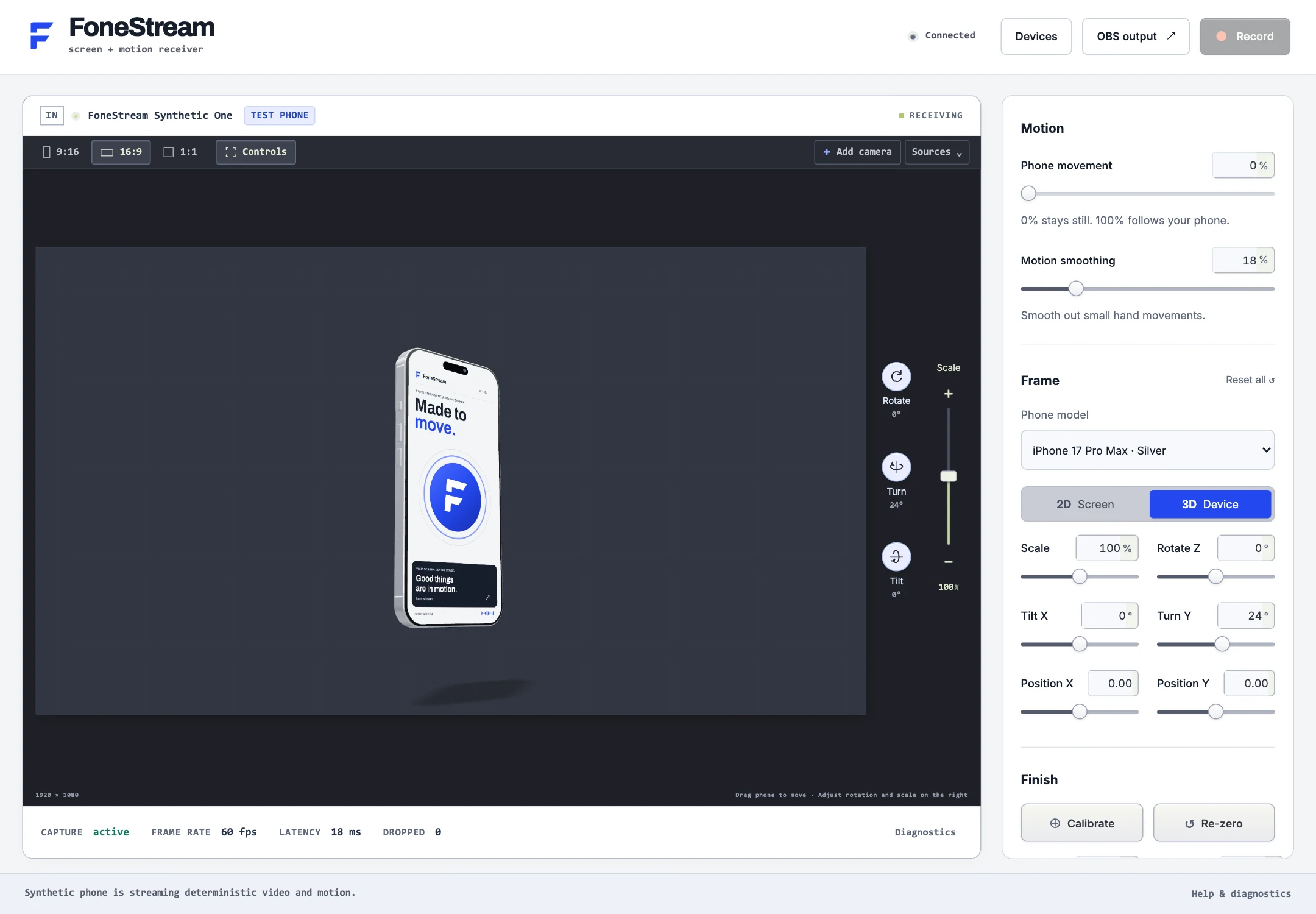
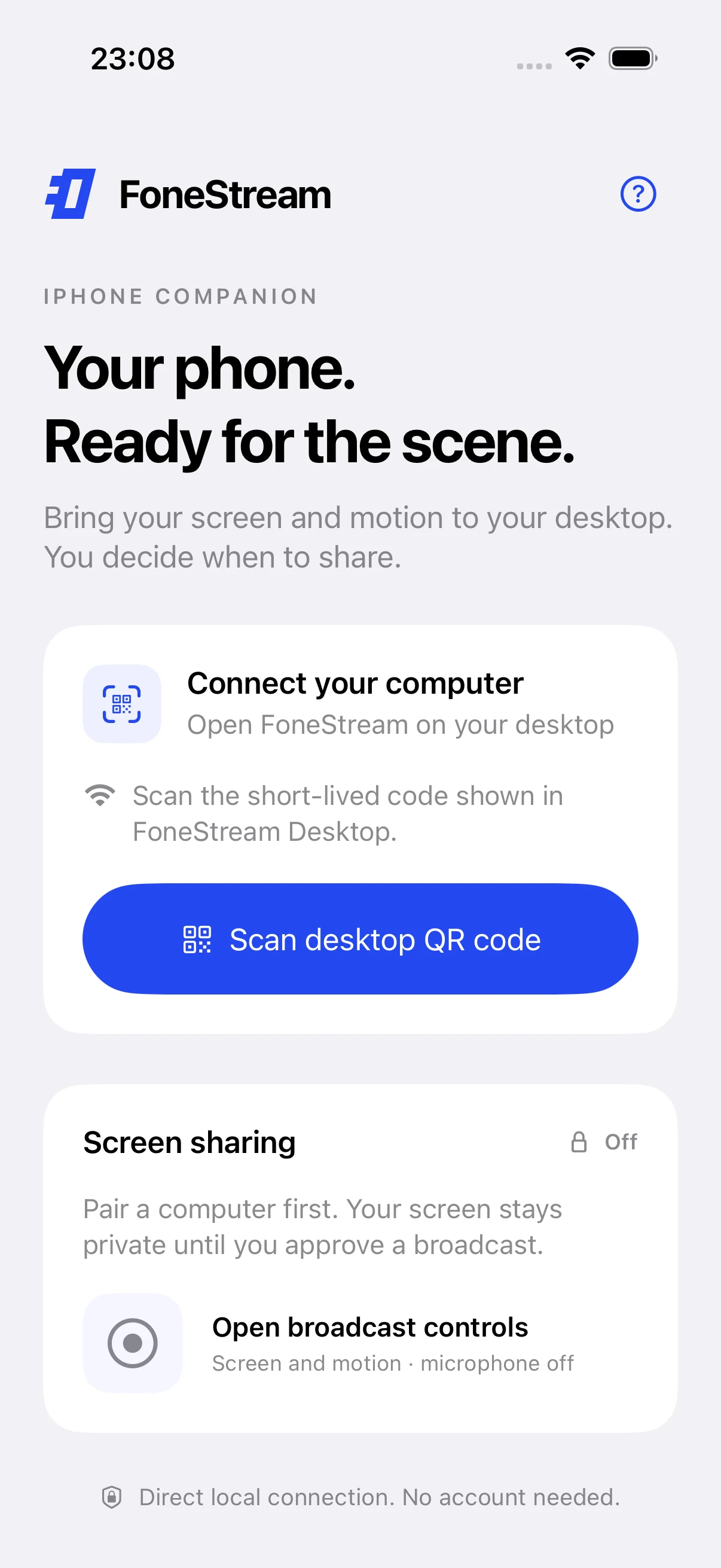
CobaltSilverGraphiteBold type / Shared screen artwork
05 / A small UX decision
Keep the choices.
Explain the next step.
The demo carries the selected rendering mode and movement percentage into copyable setup notes. Someone who chooses 3D and 50% leaves with those choices written into the instructions beside the pairing and OBS steps.
These are instructions containing selected settings. They do not import a preset, connect a phone, or confirm a broadcast.
FoneStream is a development preview.
This study documents design and simulated interaction.