Desktop receiver / Mobile companions / Local media system
FoneStream
For creators demonstrating a mobile app, a flat screen loses the movement of the hand holding it. We built a local capture system that brings the screen and its motion into a desktop composition, a recording or OBS.
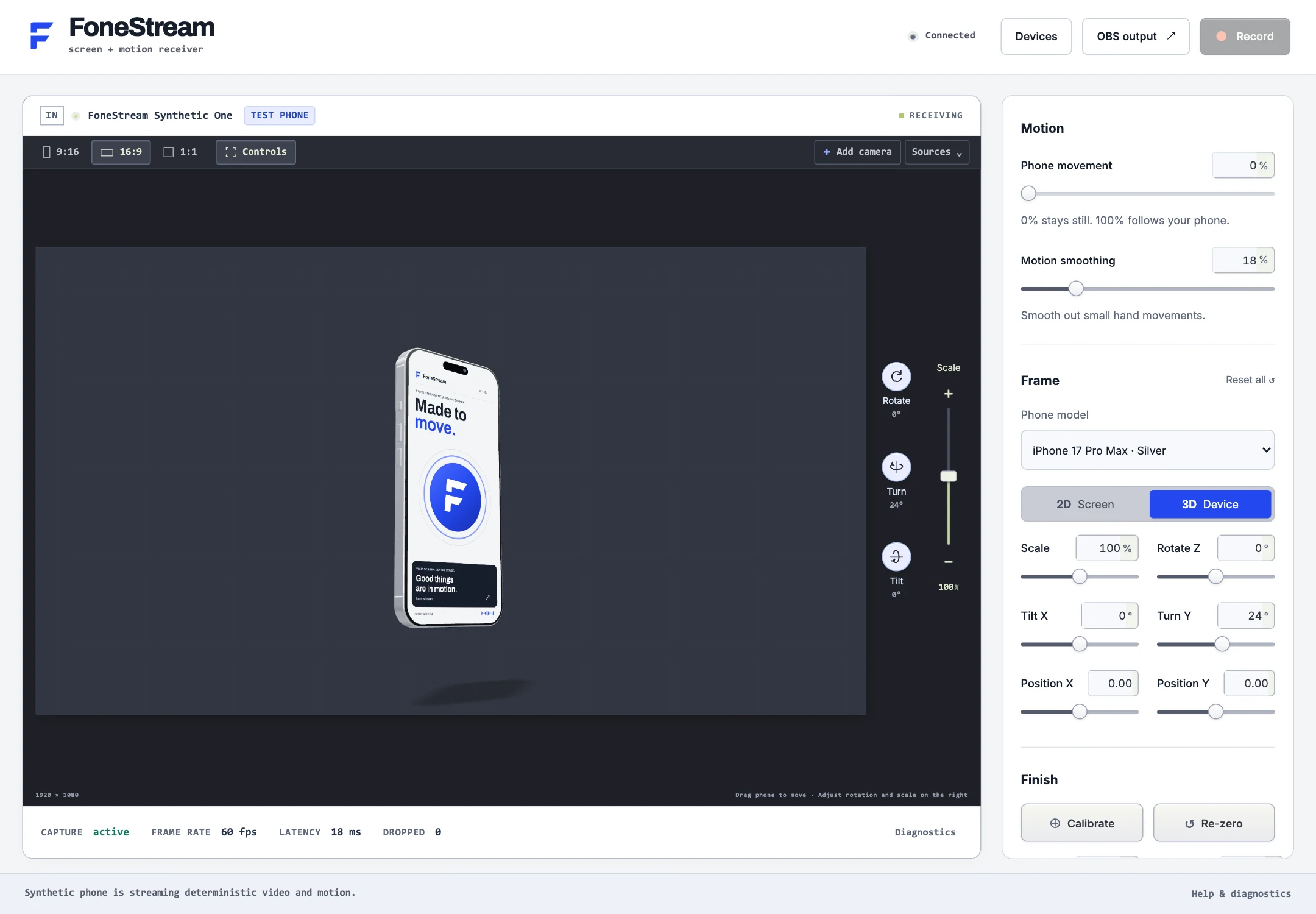
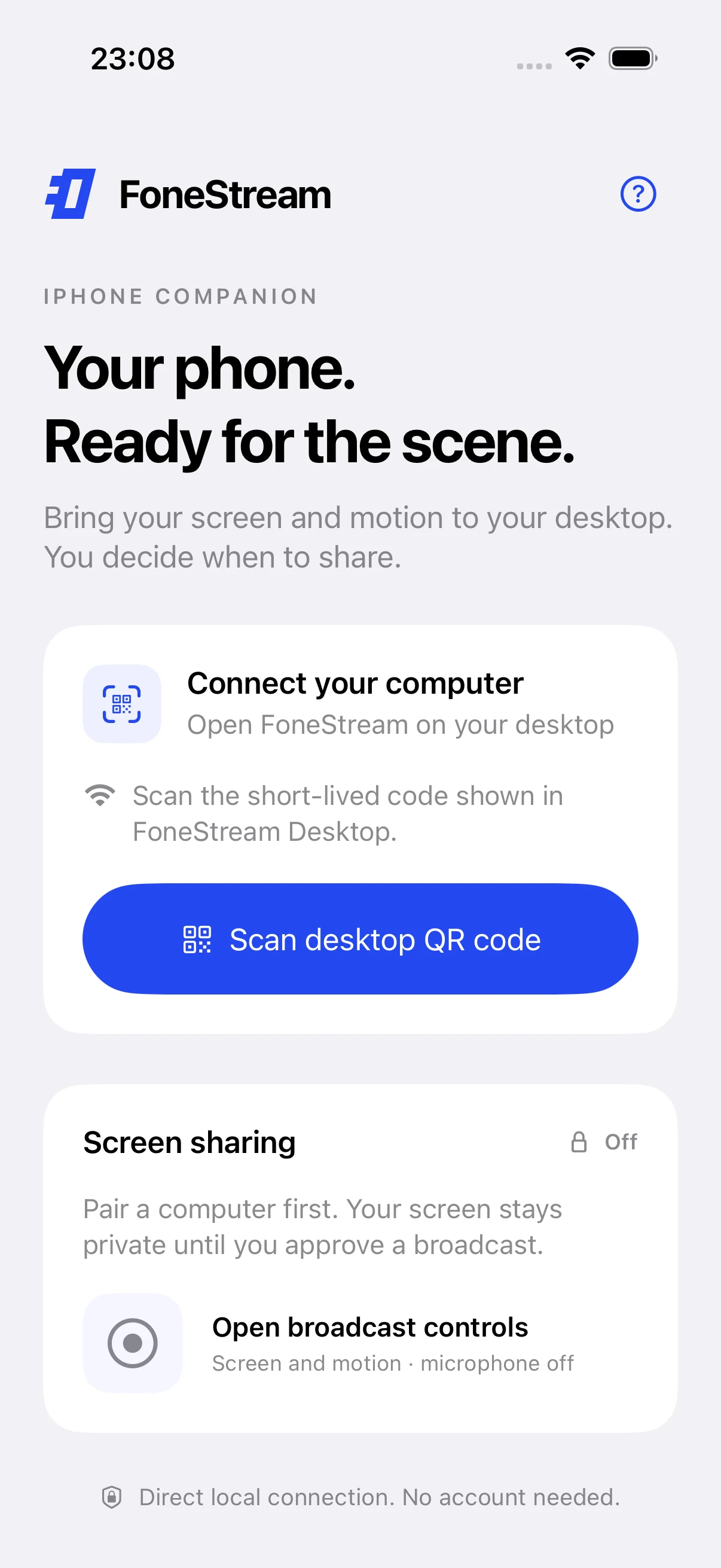
Open the desktop receiver, scan its pairing offer with the companion, and approve screen capture on the phone. Choose a flat screen or 3D device, set the movement amount and calibrate a comfortable holding position. Compose the output, record it locally, or copy a private local source URL into OBS.
Aran Labs built the Electron receiver, Swift iOS app and ReplayKit extension, Kotlin Android companion, shared protocol and renderer, recording path and OBS integration. The screen travels over local WebRTC; motion travels as timestamped sensor data. No cloud relay or product account is required for that capture path.
The local architecture
Two streams. One composed image.
Implemented capture path · local network and local outputs
Phone companionScreen capture + motion sensors
Trusted local connectionPairing → WebRTC video & motion data
Desktop rendererScreen texture + calibrated pose → 2D or 3D composition
A short-lived, one-use pairing offer carries a certificate fingerprint. The companions pin the receiver certificate and store credentials using platform secure storage. The receiver stores token hashes, checks returning devices and can revoke their connection.
Motion has its own timing
Screen frames and sensor samples arrive independently. The protocol normalizes orientation, estimates clock offset and buffers timestamped motion for interpolation. Calibration establishes a neutral pose; the movement control scales expression without changing the underlying screen.
Record the composition people see
Recording takes the final canvas, with received audio when available, into an H.264 MP4. The OBS output uses an authenticated loopback server; the native plugin wraps that local renderer. Private output URLs remain controls for access, not public stream links.
02 / The main interaction
Take it out of the frame.
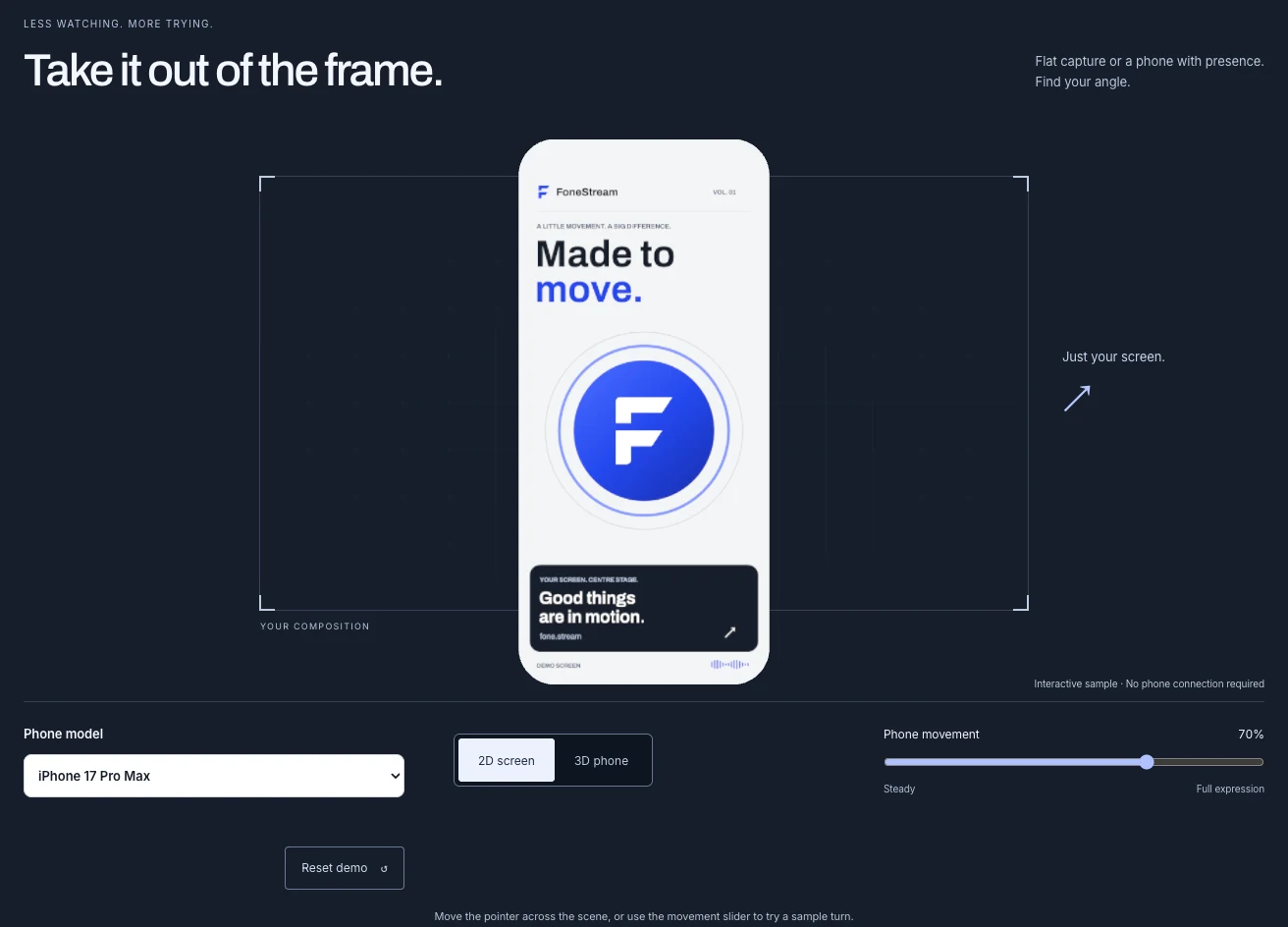
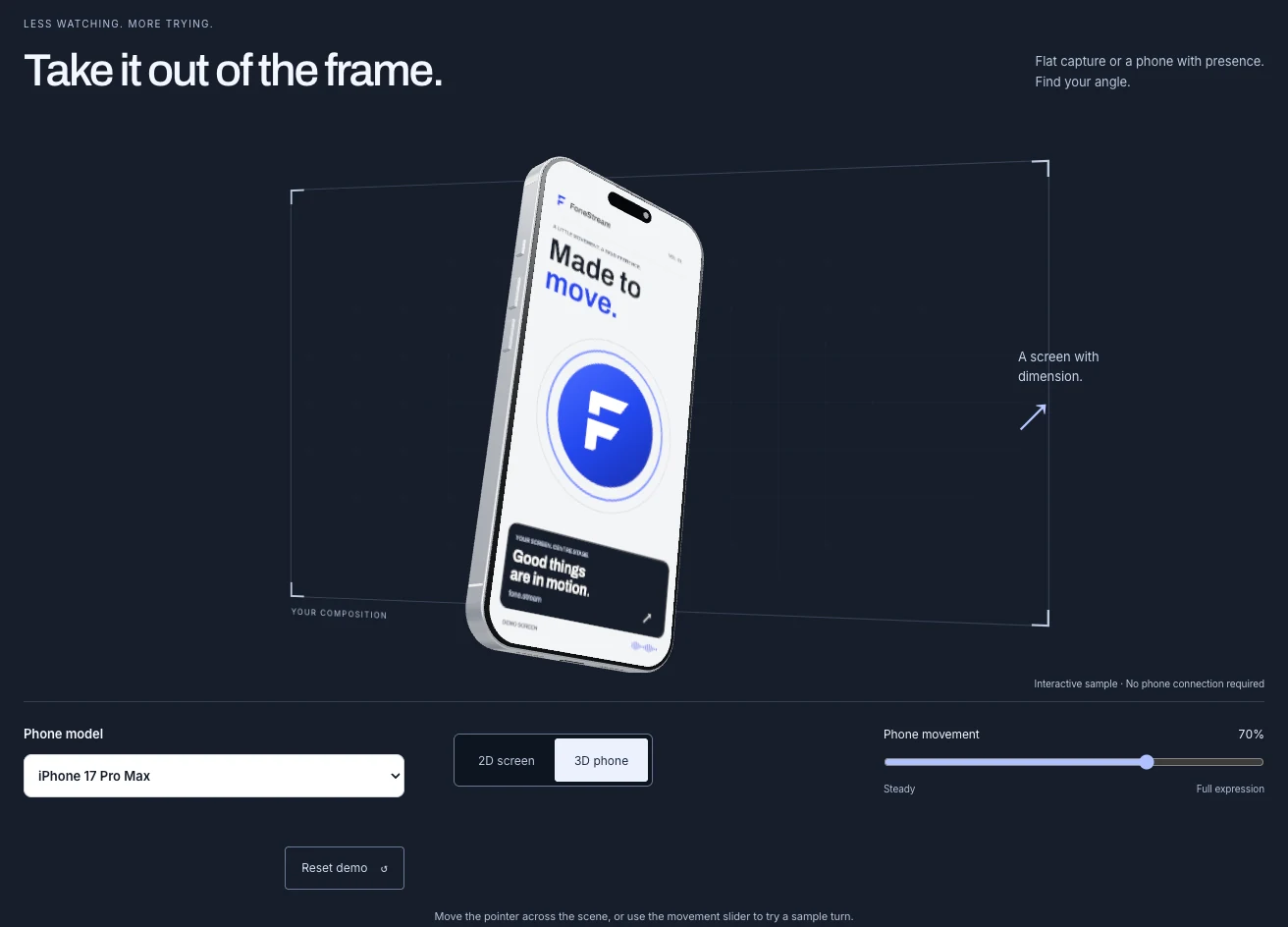
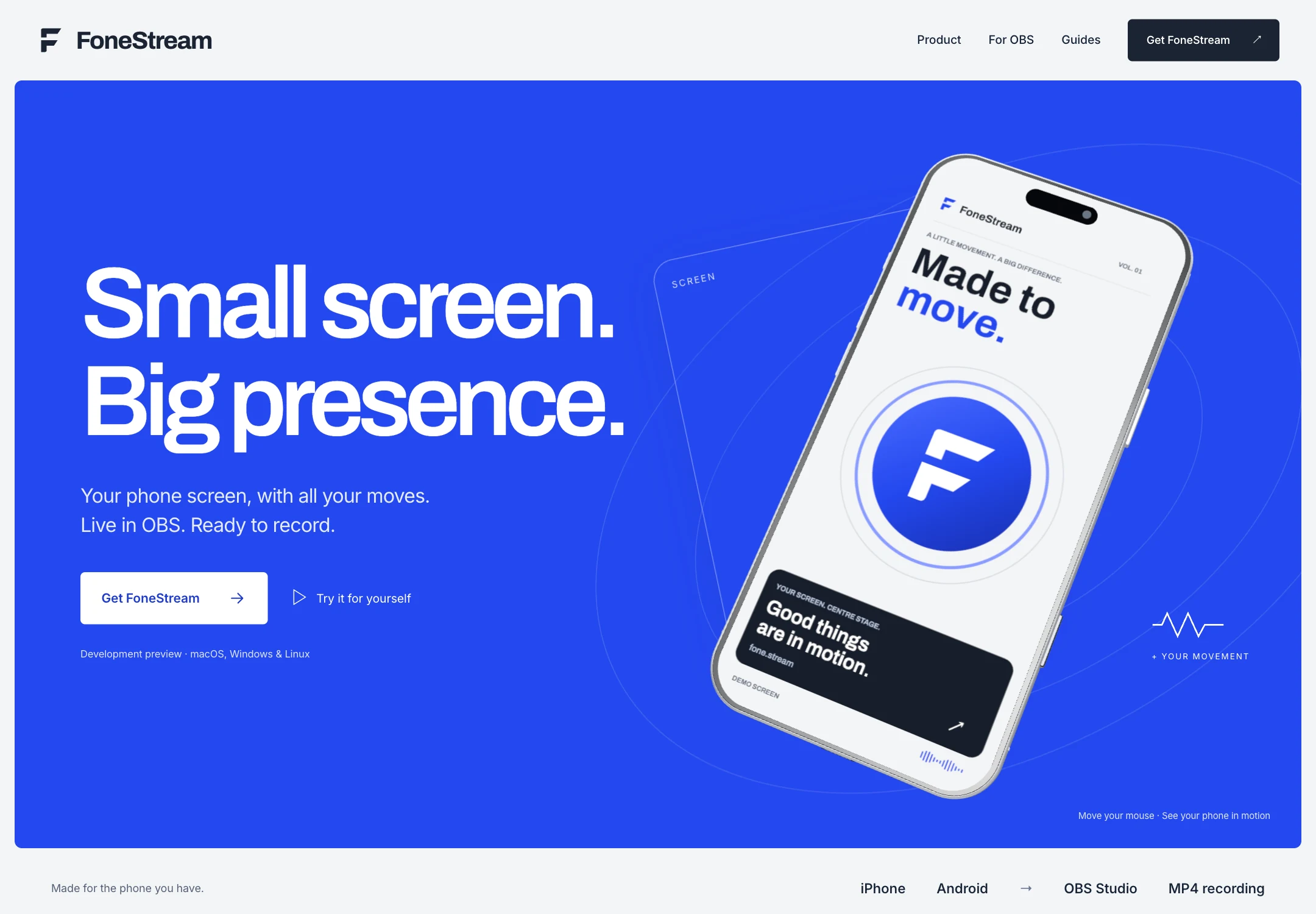
The same renderer supports a straightforward screen capture and a dimensional phone. The website introduces that choice with a branded sample screen: as the visitor scrolls, it gains a frame and turns into a 3D composition.
Manual 2D and 3D controls let the visitor take over. The change stays understandable because the screen artwork remains the same.
Scroll transition, then manual 2D / 3D switching · 7 seconds · Silent recordingView 3D still ↗Compare the flat and dimensional stills
2D / The screen, on its own.3D / A frame, an angle, a physical presence.
03 / One understandable control
How much of you?
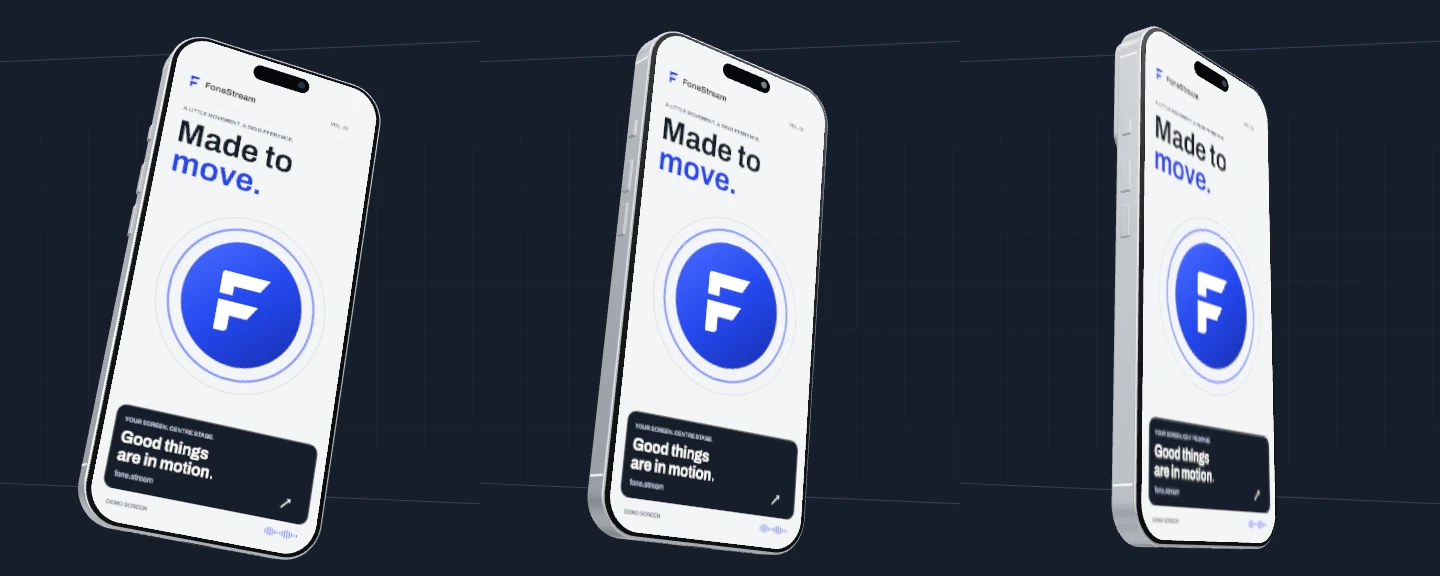
“Phone movement” spans a steady presentation through to full expression. At 0%, the pose holds. At 50%, the same turn is more restrained. At 100%, the demo uses its full range.
The comparison below repeats one simulated pointer path at all three settings, in sync. It demonstrates the control’s effect, not measured hardware motion or latency.
Cobalt signals action. Silver gives controls room to breathe. Graphite puts the composition in focus. The bold typography carries the voice from the marketing website into the workspace and phone companion.
The website and desktop use the same renderer and branded sample screen. On mobile, that visual language becomes a focused pairing flow, with sharing waiting for the person’s approval.
Website / Fresh browser capture · 6 September 2026Desktop / Fresh browser preview with a synthetic test phone. On-screen telemetry is test data.
Mobile pairing / iOS simulator capture · 5 September 2026 · No physical phone connection
CobaltSilverGraphiteBold type / Shared screen artwork
05 / A small UX decision
Keep the choices. Explain the next step.
The demo carries the selected rendering mode and movement percentage into copyable setup notes. Someone who chooses 3D and 50% leaves with those choices written into the instructions beside the pairing and OBS steps.
These are instructions containing selected settings. They do not import a preset, connect a phone, or confirm a broadcast.
The films use simulated pointer motion; the desktop capture uses a synthetic test phone, and the iOS capture comes from a simulator. These are software demonstrations rather than a physical phone-to-desktop trial. No on-screen test telemetry is presented as a hardware performance result.
FoneStream / Local capture, native companions, product design and media engineering.